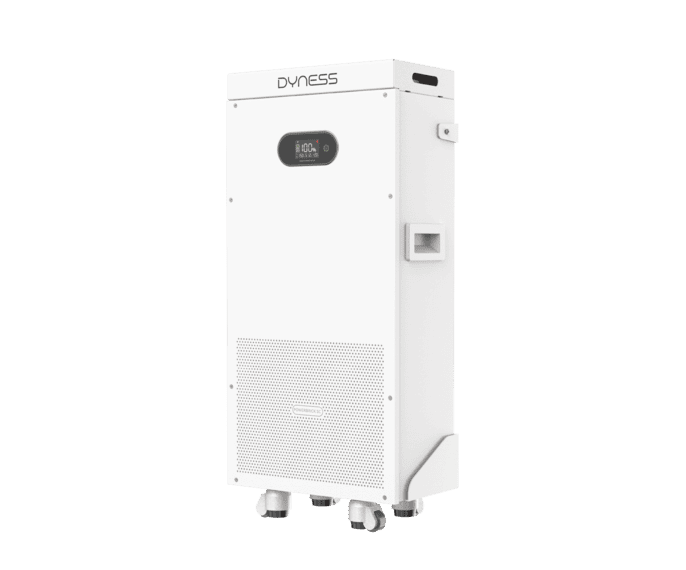
 PowerBrick SC
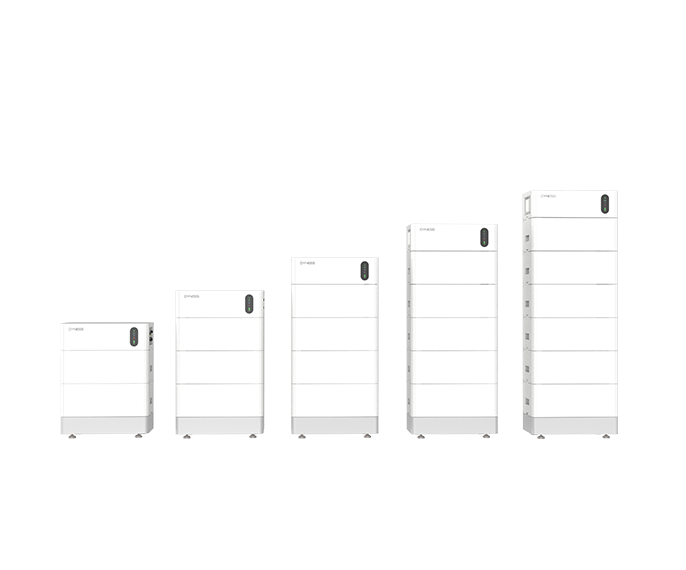 Tower Pro
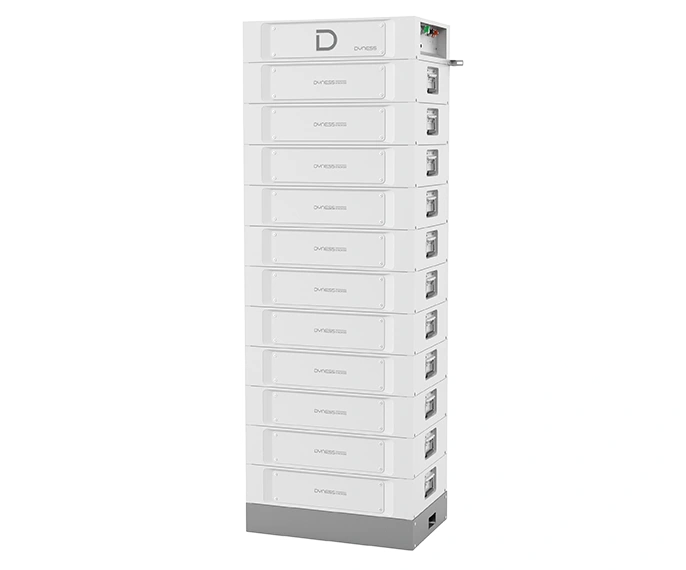 STACK100
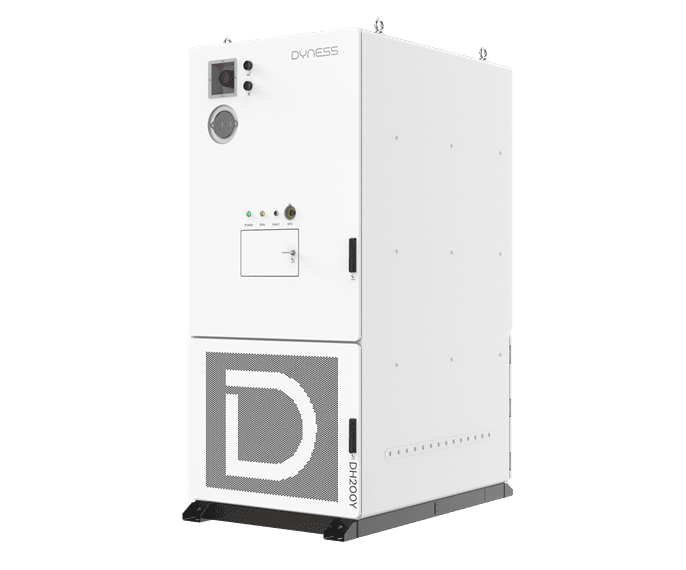 DH200Y-C260
Installer Excellent Plan
A practical starting guide to the Dyness IEP: registration, participation and reward requests.
How to get started ↗Register and
explore the programme
Have your business and contact details ready. For help with participation in Thailand, contact Dynergy before starting.
01 / Get the Dyness App
The official guide includes App Store and Google Play download codes.
02 / Follow the registration tutorial
Use the official video below for the Points Mall registration screens.
03 / Check your membership
Levels progress from Registered and Certified to Silver, Gold and Platinum. Growth points determine progression; retention tasks affect status.
04 / Review eligible activities
Points can come from qualifying purchases and activities. Examples include case sharing, community participation and feedback.
Understand your
redemption eligibility
Registered and Certified installers cannot redeem points under the published rules. Points support rewards, purchase offsets and membership growth.
This guide summarises the Dyness publication dated 26 August 2025. Check current regional conditions before participating.
How redemption works
01 / Sign in
Access the IEP Points Mall on a computer or mobile app.
02 / Choose a reward
Select an available benefit supported by your points and status.
03 / Wait for review
An administrator confirms the points deduction before online reward delivery.
Need help getting started?
Dynergy can help with programme enquiries. Dyness manages membership, points and reward approval.
Contact Dynergy ↗Source: Dyness Installer Excellent Plan Points Mall Rules, 26 August 2025.